
A plan for every day
Exercises on schedule with a “done” mark — even without internet.
A daily exercise plan, video instructions and reminders. The doctor sees how sessions are going and adjusts the course in time.
Your login and password are provided by the ZI Clinic reception when you enrol.
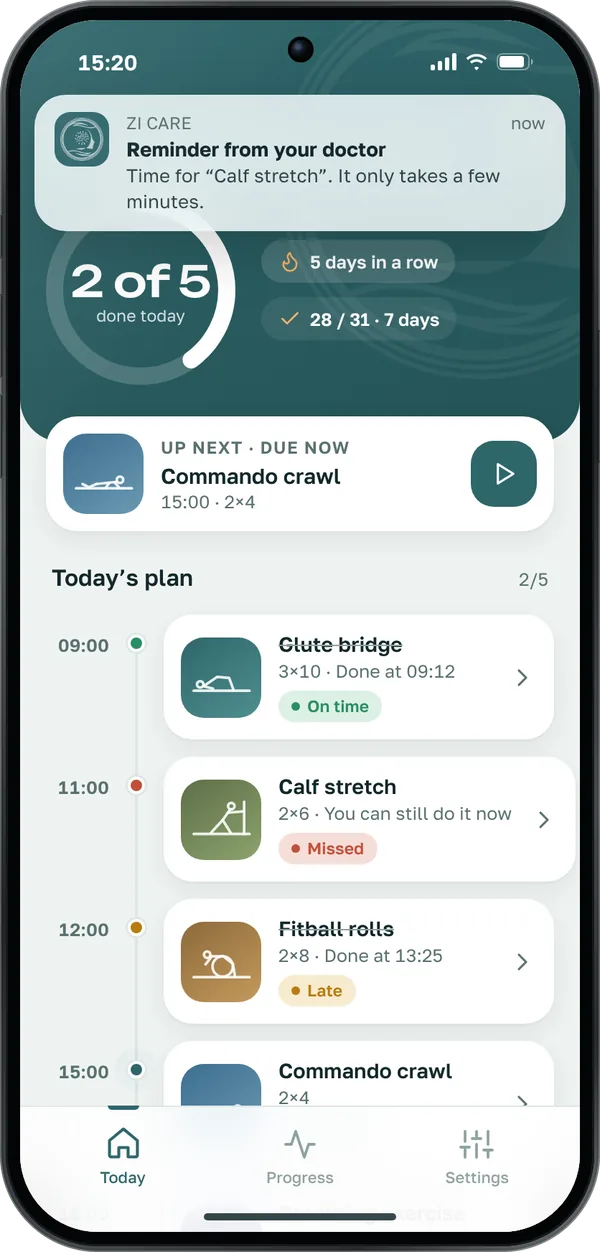
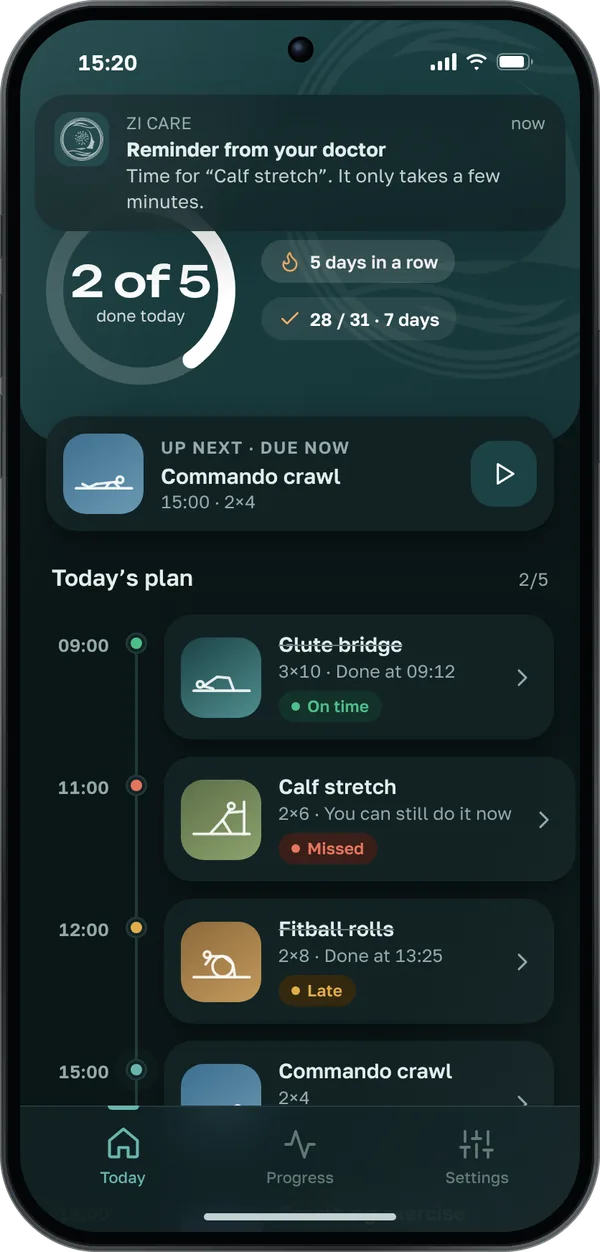
Everything the doctor prescribed is in one app. No need to memorise exercises or keep notes in a notebook.
Exercises on schedule with a “done” mark — even without internet.
Every exercise is shown on video so your child does it correctly.
You get a notification when it’s time to exercise. No session gets forgotten.
Your streak, session statistics and level on the BKMR-4 scale.
Completion analytics — on time, late, missed. By day, week or month.
“Needs attention” — misses are visible at once, and a reminder takes one tap.
Exercise library and prescriptions in a couple of taps.
BKMR-4 assessment right in the app, with submission to DMED.
The ZI Clinic reception registers your child, assigns a doctor and gives you a login and password.
They choose exercises and session times for your child. The plan appears in the app straight away.
Mark sessions as done — the doctor sees progress and adjusts the prescriptions when needed.
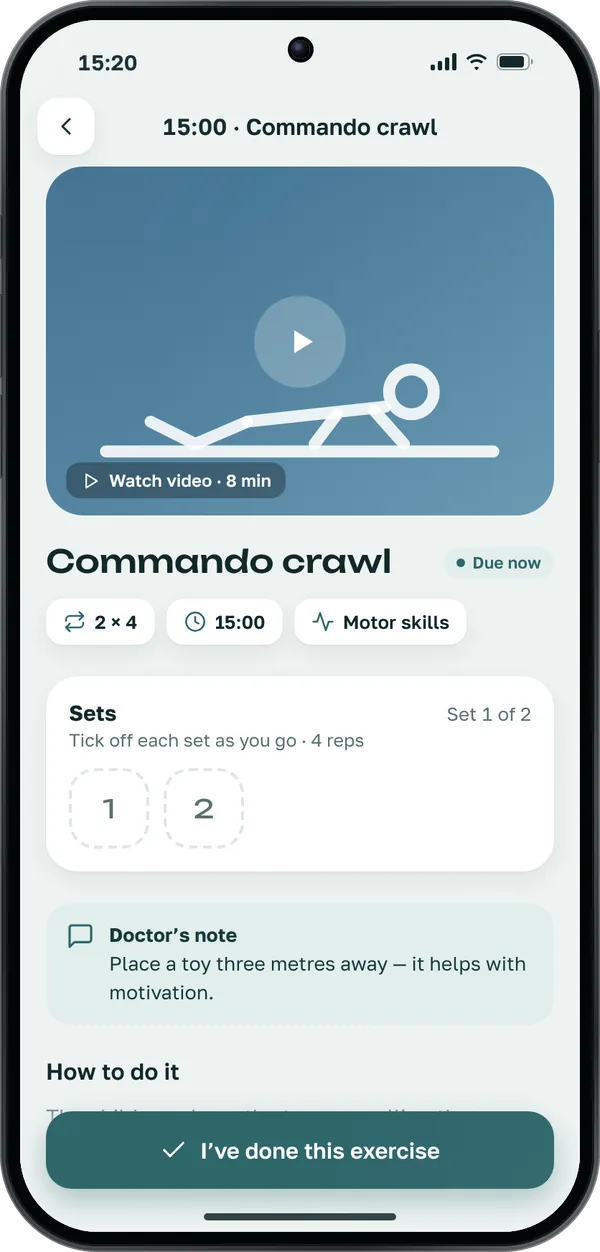
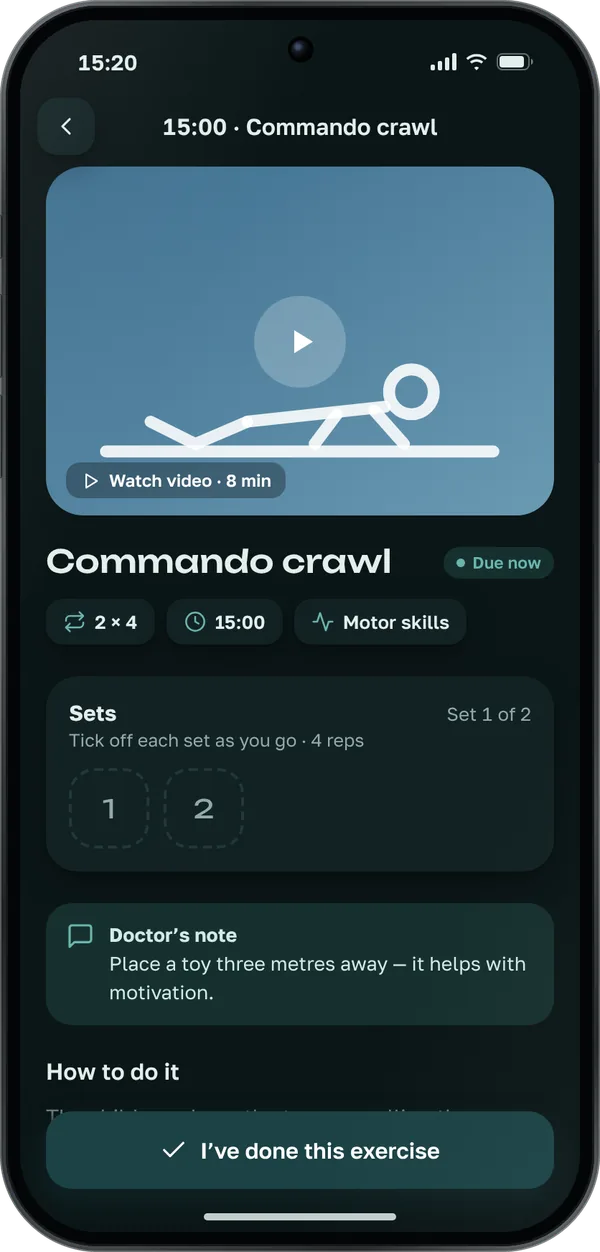
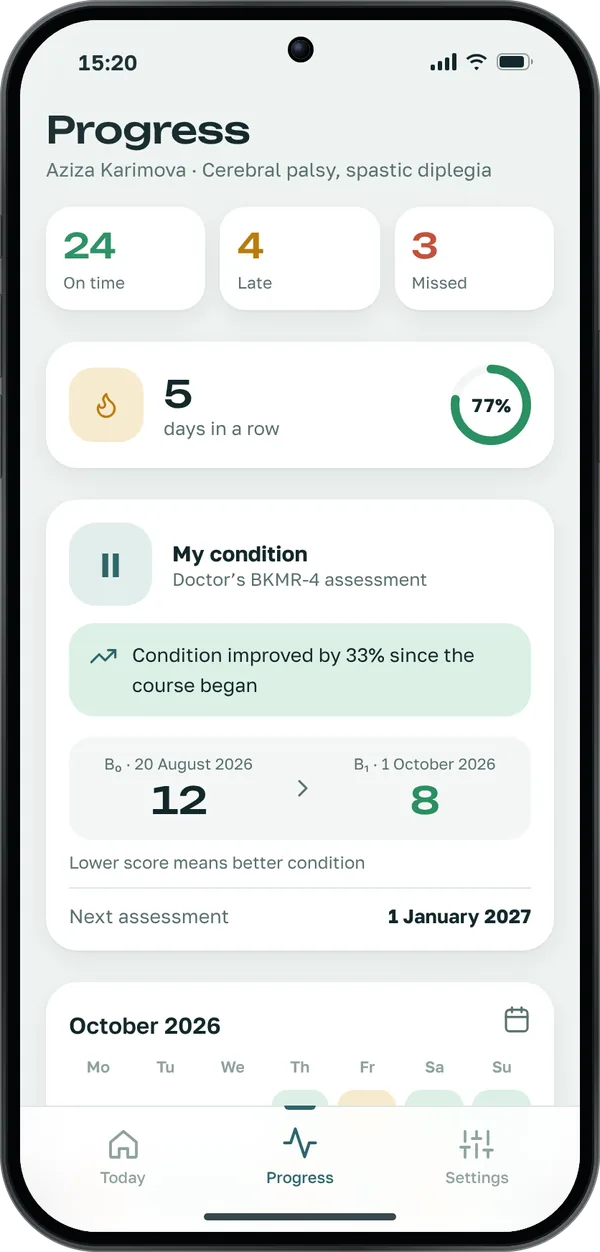
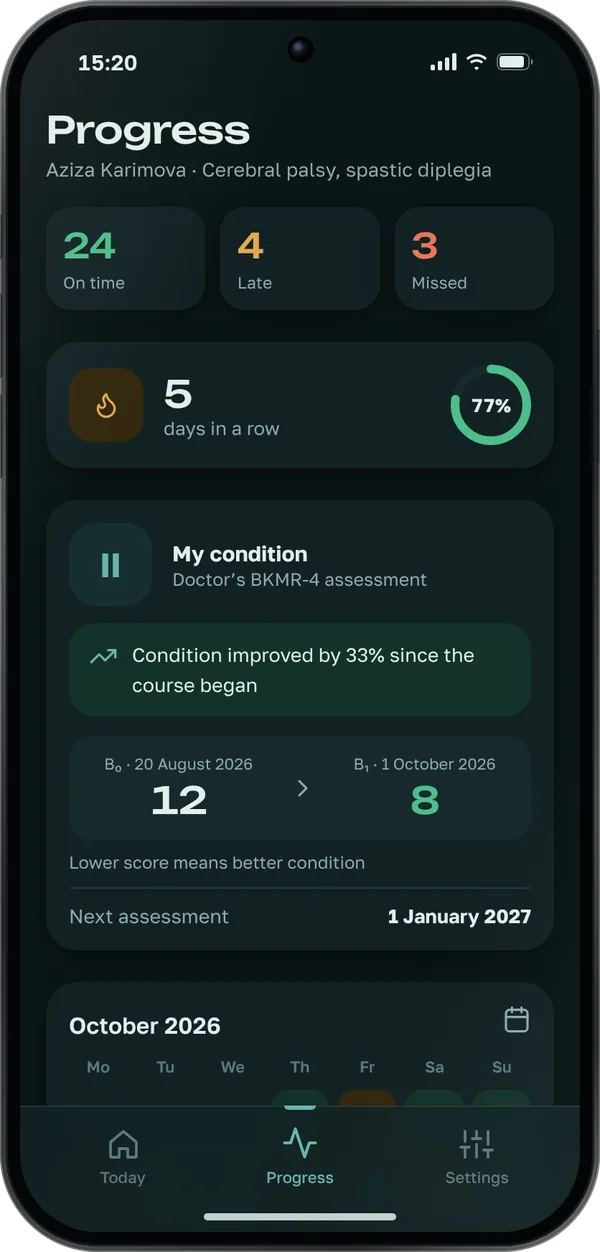
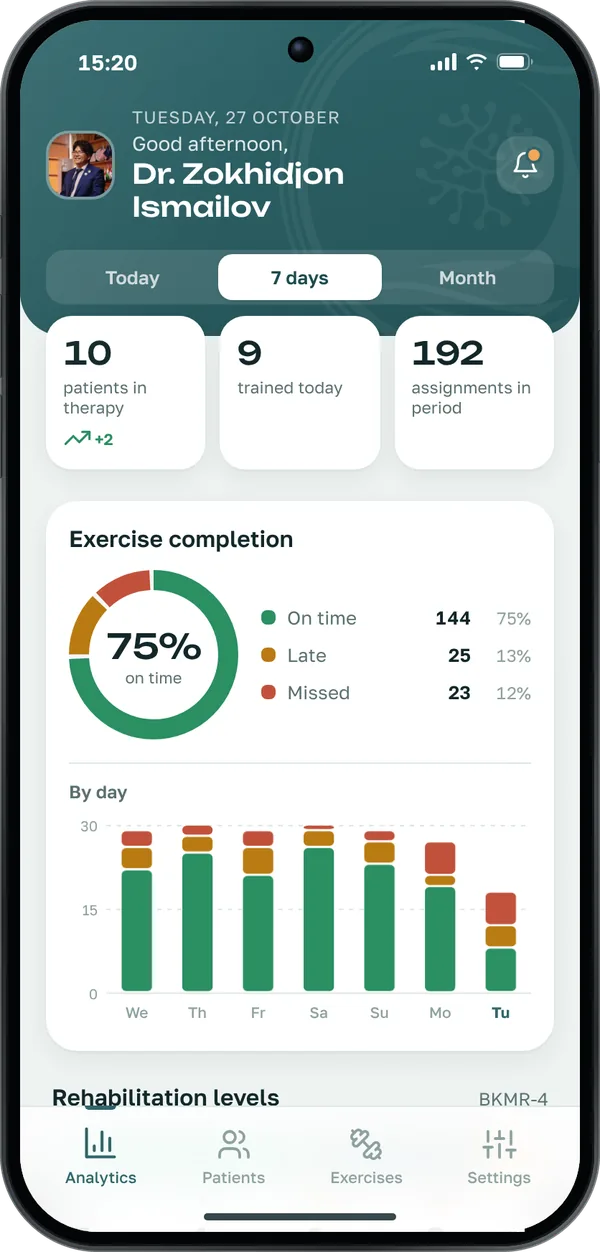
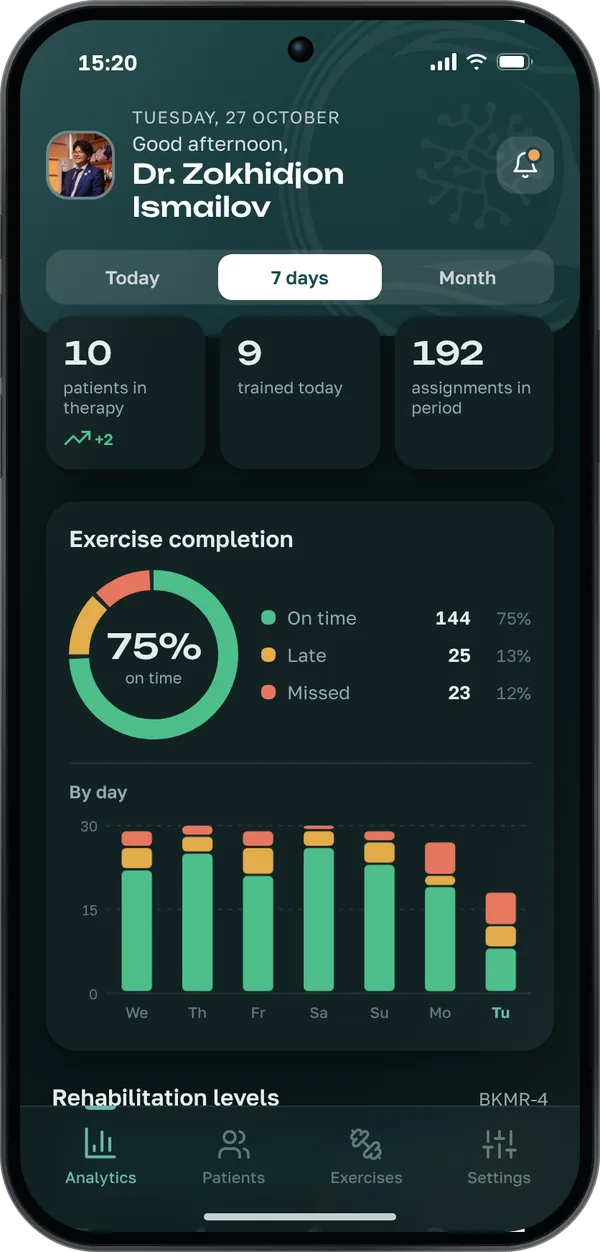
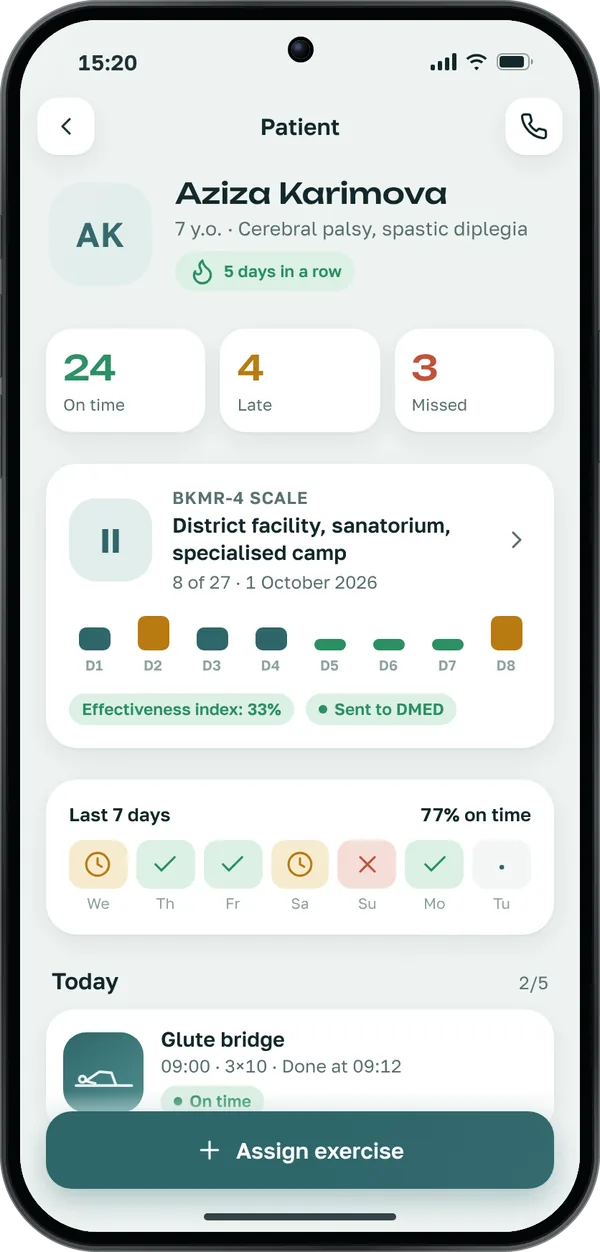
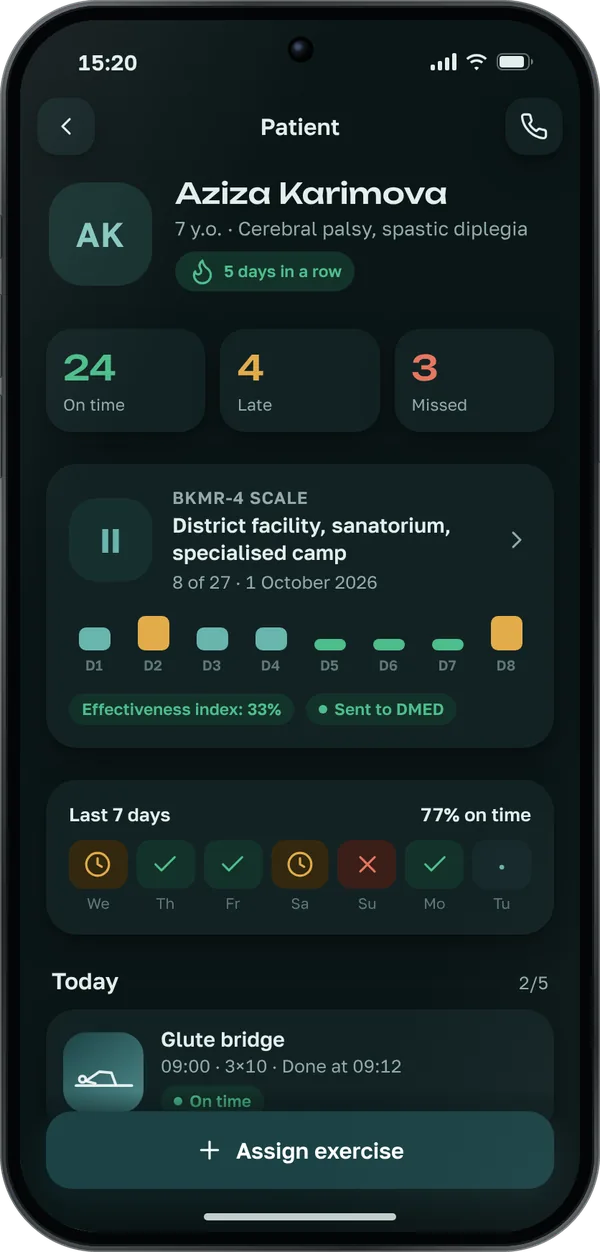
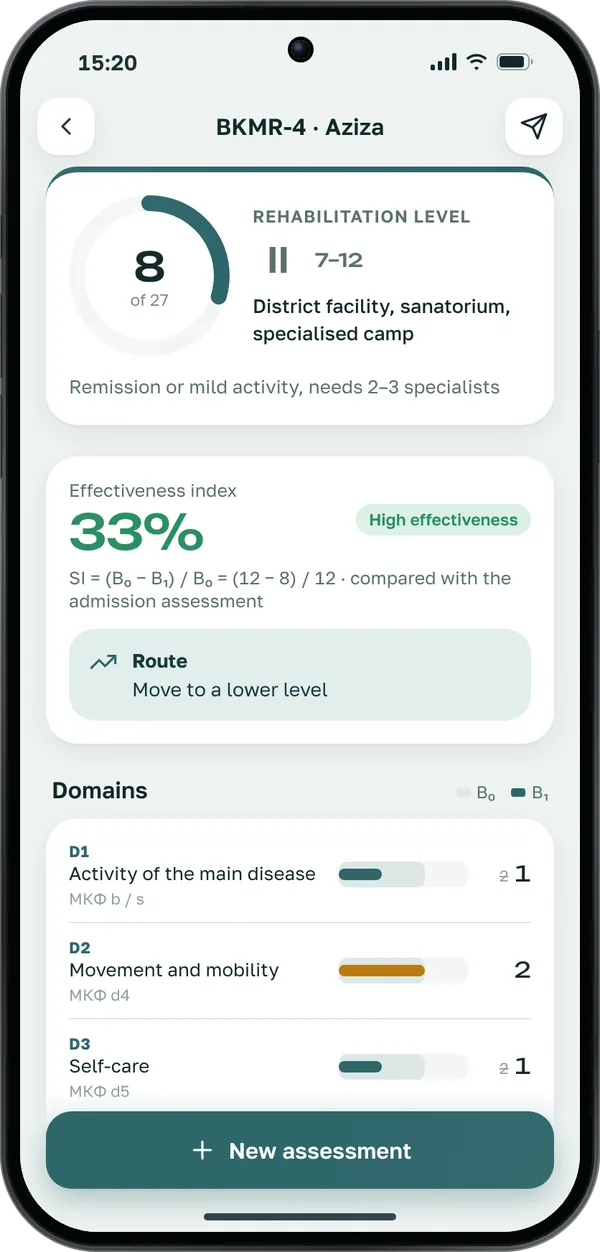
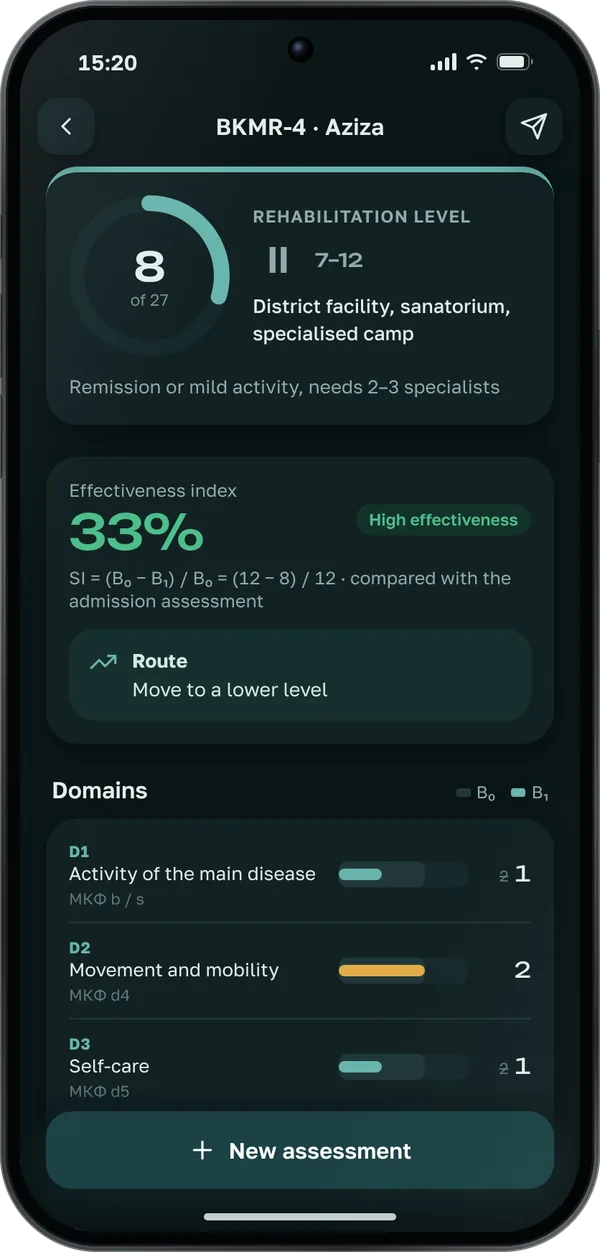
The data on the screens is for demonstration.
The doctor regularly assesses your child on the BKMR-4 scale. You see the level and how it changes in the app.
Personal data is encrypted, and only the attending doctor and clinic staff with the right role can access it. Assessment results are sent to DMED.
The ZI Clinic reception gives you a login and password when your child is enrolled in a rehabilitation course. There is no self-registration.
Children aged 3 to 18. The app is usually used by a parent.
Contact the clinic reception — they will help you restore access.
Yes, you can mark exercises as done offline — the mark is sent to the doctor once you’re back online.
Call the reception — we’ll find a consultation time and set up the app for you.